Analytics Runbook
The Phenom Umami analytics instance, providing privacy-focused web analytics for all Phenom platform properties.
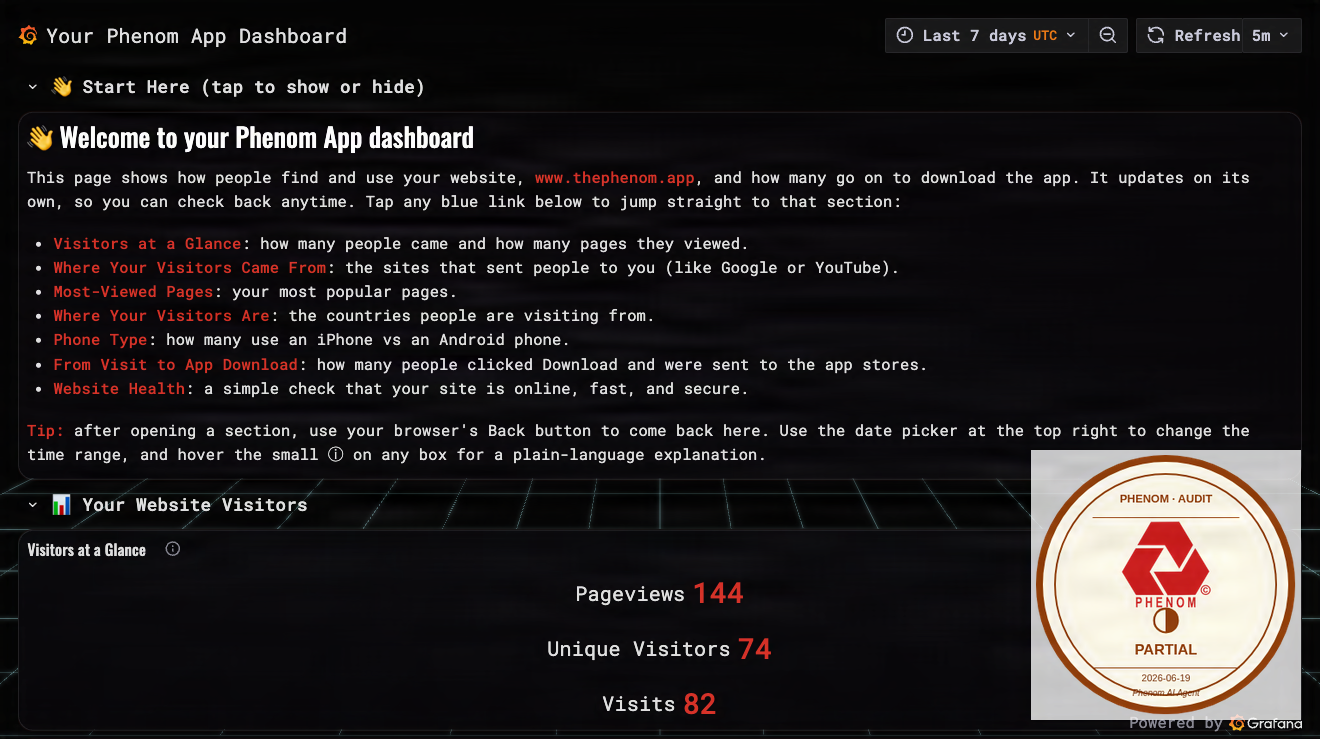
Source:
curl https://analytics.thephenom.app → HTTP 302 to Cloudflare Zero Trust login; service live but /api/heartbeat unreachable without CF Access credentials
C2PA signed · SanMarcSoft AI content credential
What it is
analytics.thephenom.app is the self-hosted Umami analytics service for the Phenom platform. It collects and displays web traffic data for www.thephenom.app, NEST, and other Phenom properties without relying on Google Analytics or third-party trackers. Data is stored in a PostgreSQL database. Downtime results in a gap in analytics data but does not affect user-facing functionality.
Deployment chain
| Layer | Value |
|---|---|
| URL | https://analytics.thephenom.app |
| DNS | Cloudflare (proxied, orange-cloud) |
| Access gate | N.E.S.T. terminal login (worker-native, since 2026-07-05) — the phenom-dashboard-proxy Worker serves the monochrome terminal login and mints an HttpOnly session cookie after verifying the Cognito ID token (JWKS + issuer + audience + nest-access group). Unauthenticated requests get 302 /login. This replaced the Cloudflare Access hosted picker so analytics presents the same login UI as nest.thephenom.app. |
| Hosting | Umami (Node.js app) on AWS ECS Fargate or App Runner |
| Region | us-east-1 |
| AWS profile | phenom |
| Database | PostgreSQL (RDS, dedicated Umami database or schema within phenom-dev-postgres) |
Common operations
Restart the Umami service (ECS Fargate)
aws ecs update-service \
  --cluster phenom-dev-cluster \
  --service phenom-analytics \
  --force-new-deployment \
  --profile phenom \
  --region us-east-1

aws ecs wait services-stable \
  --cluster phenom-dev-cluster \
  --services phenom-analytics \
  --profile phenom \
  --region us-east-1
Restart the Umami service (App Runner)
SERVICE_ARN=$(aws apprunner list-services \
  --profile phenom --region us-east-1 \
  --query 'ServiceSummaryList[?contains(ServiceName,`analytics`)].ServiceArn' \
  --output text)

aws apprunner start-deployment \
  --service-arn "$SERVICE_ARN" \
  --profile phenom \
  --region us-east-1
View logs
aws logs tail /ecs/phenom-analytics \
  --follow \
  --profile phenom \
  --region us-east-1
Check database connectivity
# Trigger Umami's built-in health check which validates DB connection
curl -sf https://analytics.thephenom.app/api/heartbeat
# Expected: JSON with "ok": true
Update Umami (new version)
# Pull updated image and force new ECS deployment
aws ecs update-service \
  --cluster phenom-dev-cluster \
  --service phenom-analytics \
  --force-new-deployment \
  --profile phenom \
  --region us-east-1
Verify it is working
# Unauthenticated: the root and any protected path 302 to the terminal login.
curl -si https://analytics.thephenom.app/ | grep -E "^HTTP|^location"
# Expected: HTTP/2 302, location: https://analytics.thephenom.app/login?redirect=%2F

# The terminal login itself is public and serves the N.E.S.T. UI:
curl -s https://analytics.thephenom.app/login | grep -o 'Phenom Analytics // Secure Terminal'

# The session endpoint fail-closes on a bad token (no session cookie minted):
curl -s -o /dev/null -w '%{http_code}\n' -X POST https://analytics.thephenom.app/auth/session \
  -H 'content-type: application/json' -d '{"id_token":"garbage"}'
# Expected: 401
Sign in at analytics.thephenom.app/login with a
nest-access operator account (email + passphrase, passkey, Apple, Google, or
reset passphrase). See the NEST runbook for the
shared terminal-login details.
Common failure modes
| Symptom | Likely cause | Remediation |
|---|---|---|
| 502 / 503 | Umami container crashed | Check ECS/App Runner logs; force new deployment |
| No data in dashboard | Tracking script not loading on tracked sites | Verify <script> tag present on www and NEST; check browser console for blocked requests |
| Login fails | Session secret changed or database migration not run | Verify UMAMI_APP_SECRET env var; run Umami DB migrations if upgrading |
| Database error on startup | RDS connection string wrong or RDS unavailable | Check DATABASE_URL env var; verify RDS instance is running |
| High memory usage | Too many concurrent connections or large dataset | Scale ECS task memory; optimize Umami database queries |
Related
Feedback
Was this page helpful?
Glad to hear it! Please tell us how we can improve.
Sorry to hear that. Please tell us how we can improve.